Digital planner · iPad

One planner, done well.
In the color you pick.

A digital planner for iPad that’s built like an app, not like a scan of a paper one. Tap a month and you’re there. Written on by hand, navigated like a website.
Shop on EtsyHow digital planners work

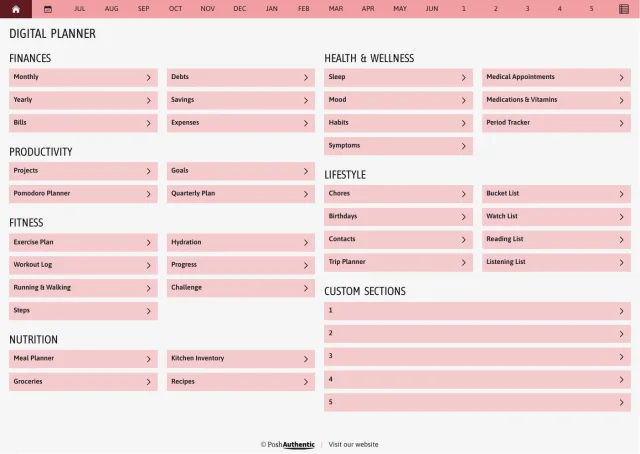
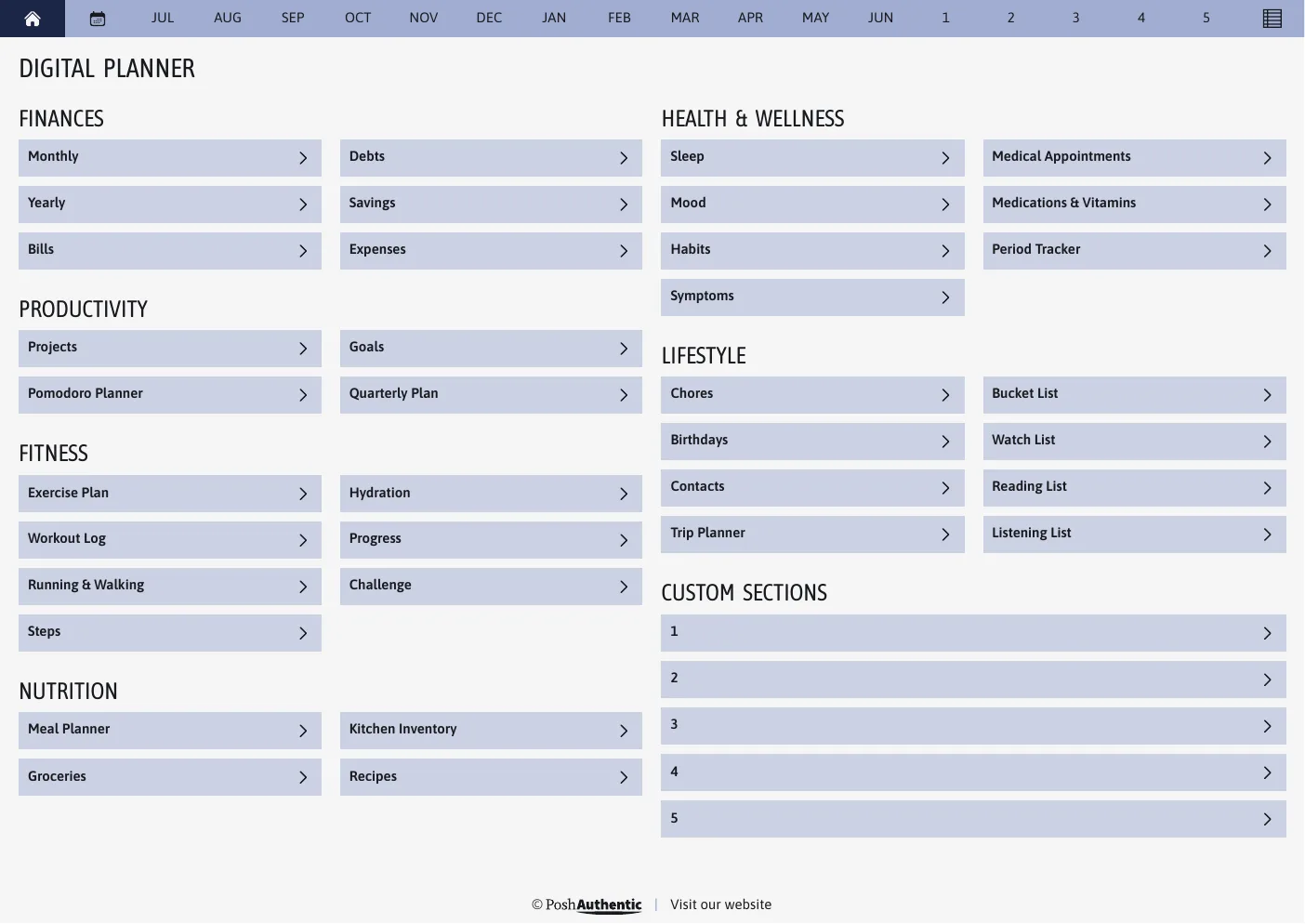
The planner's first page: a dashboard listing Finances, Productivity, Fitness, Nutrition, Health and Wellness and Lifestyle as tappable rows, each ending in a chevron, under a navigation bar running January to December.
Fig. 1The first page is a dashboard, not a title page. The bar above it is on every page of the planner.

01 · Construction

Why it feels different

Most digital planners are designed to look like paper — ring binding, faux leather, tabs shaded to look like tabs. Ours isn’t.

There’s a dashboard where a title page would be. A navigation bar sits on every page and shows you where you are. Breadcrumbs run under each heading, the sameHome / 2026 / February you’d find on a website. Rows have a chevron, because that’s what a chevron means.

You still write on it by hand. You just don’t have to thumb through it.
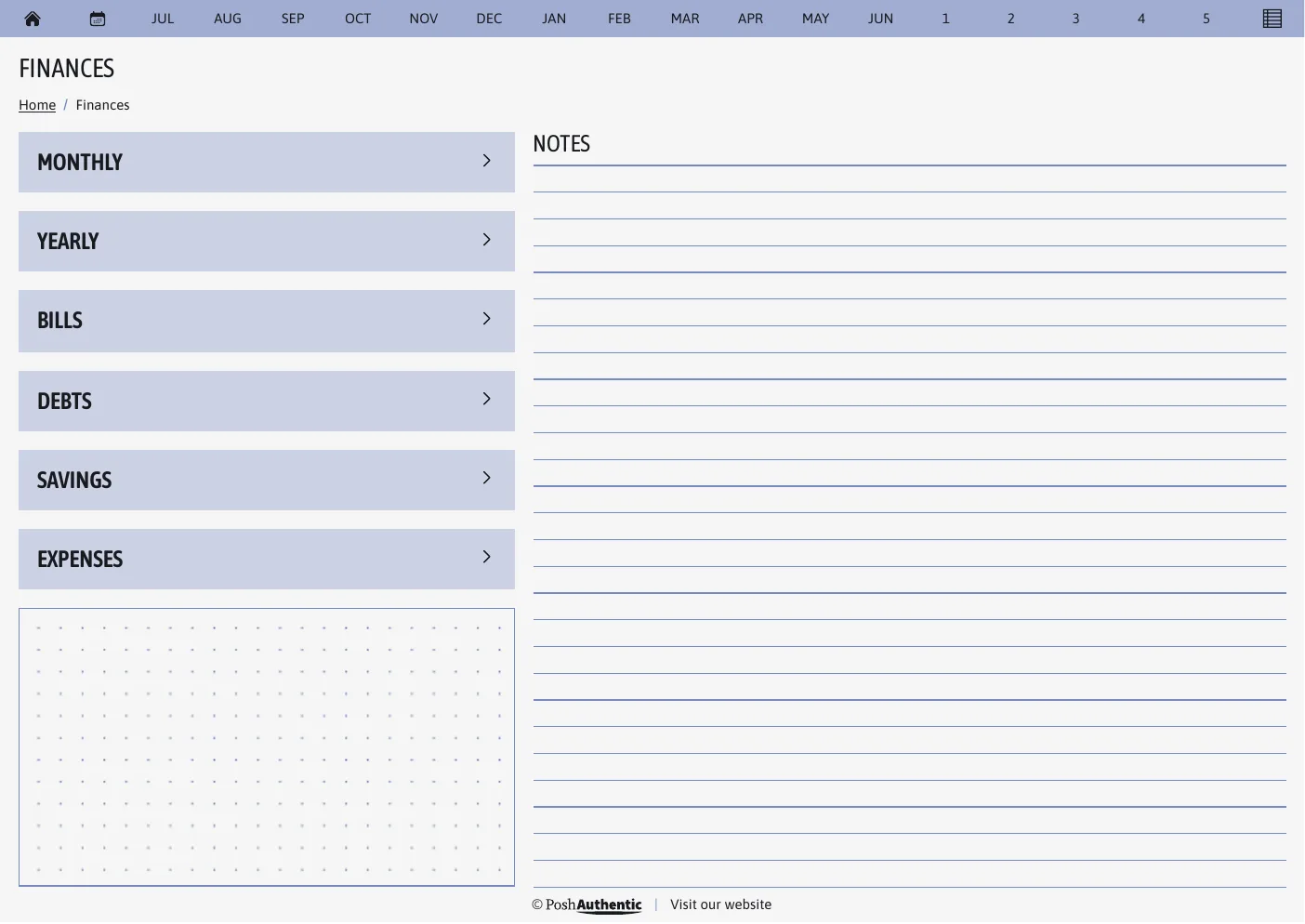
A Finances section page. Under the heading, a breadcrumb reads Home slash Finances, with Home underlined as a link. Below it, six rows — Monthly, Yearly, Bills, Debts, Savings, Expenses — each ending in a chevron, beside a ruled notes column.
Fig. 2The breadcrumb under the heading is a real link back up. It is the same grammar this website uses, because it is the right grammar.
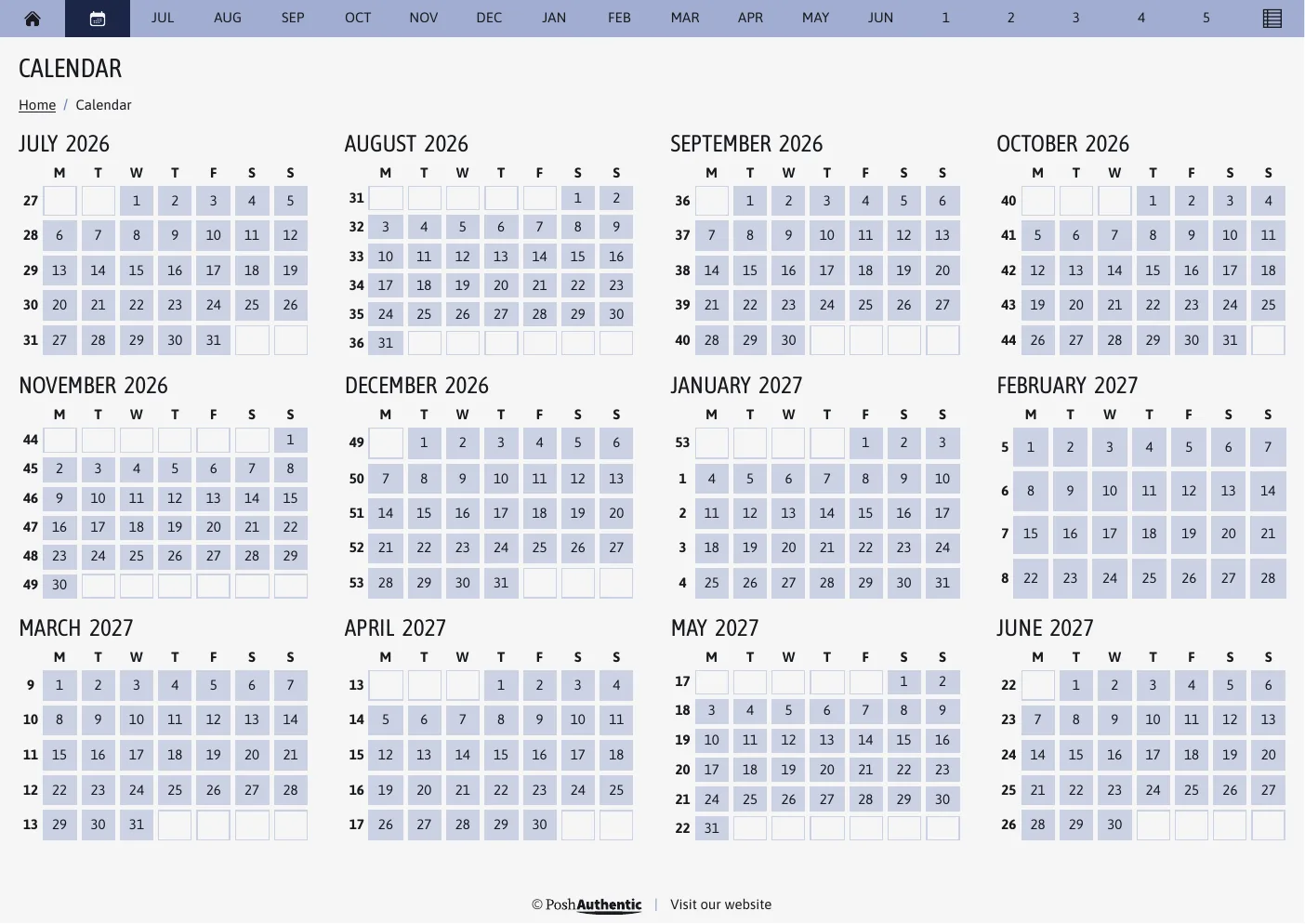
The year overview: all twelve months of 2026 laid out as small calendars in a four-by-three grid, with week numbers running down the left edge of each month.
Fig. 3Every week of the year on one page. Tap a date and you are on that week.

02 · Range

Every theme, same planner

One planner, in a range of color themes — from clean primaries through earth tones and soft pinks out to a few that are genuinely bright.

2 themes are out now. The rest arrive through the year.

Standard

Clean primaries on soft white and near-black.
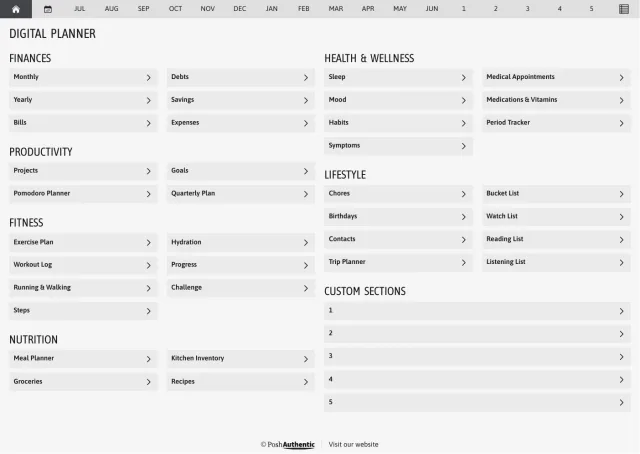
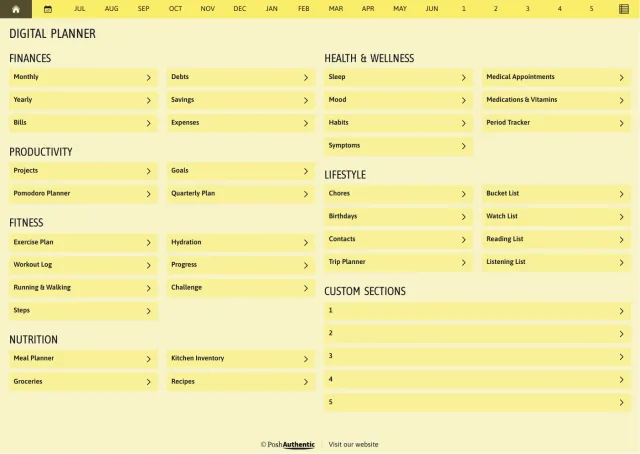
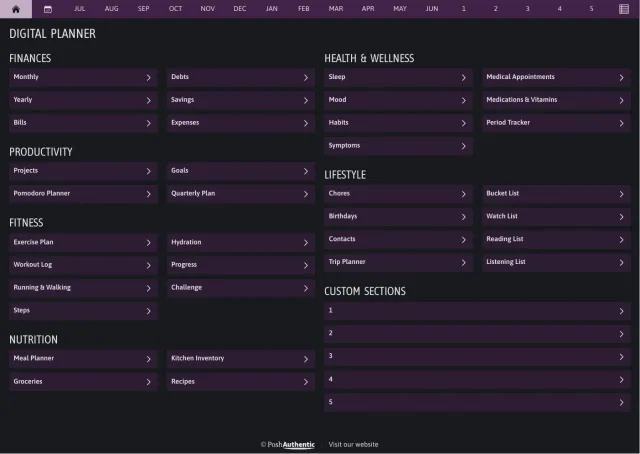
  • The planner’s dashboard page in the White colorway — tappable section rows under the month navigation bar.

    White

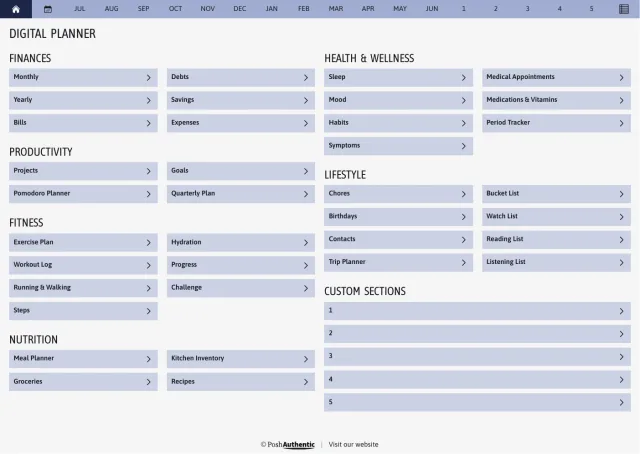
  • The planner’s dashboard page in the Blue colorway — tappable section rows under the month navigation bar.

    Blue

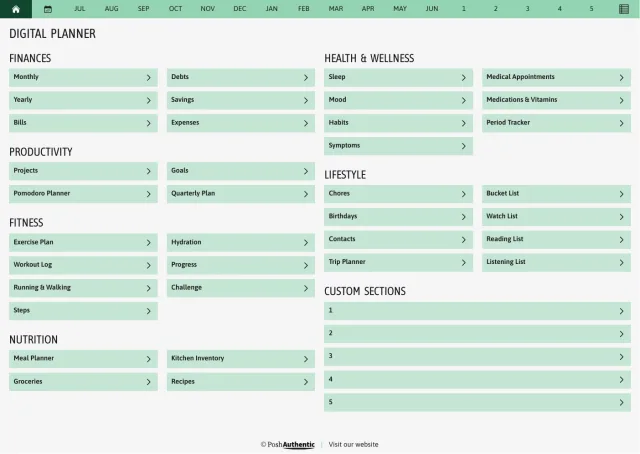
  • The planner’s dashboard page in the Green colorway — tappable section rows under the month navigation bar.

    Green

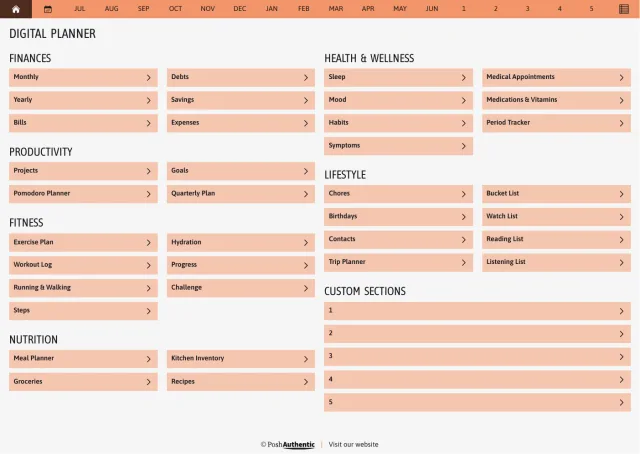
  • The planner’s dashboard page in the Orange colorway — tappable section rows under the month navigation bar.

    Orange

  • The planner’s dashboard page in the Red colorway — tappable section rows under the month navigation bar.

    Red

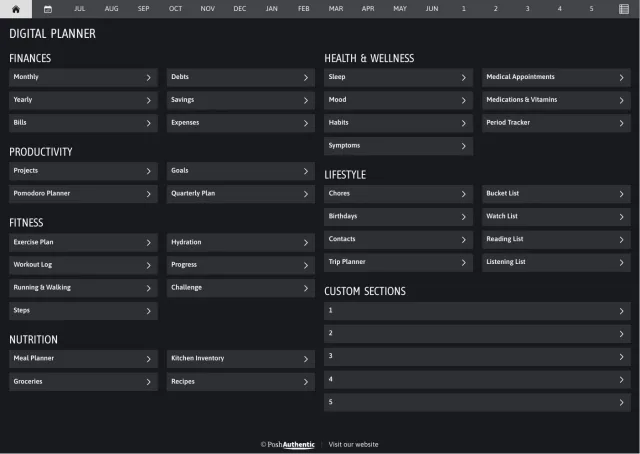
  • The planner’s dashboard page in the Black colorway — tappable section rows under the month navigation bar.

    Black

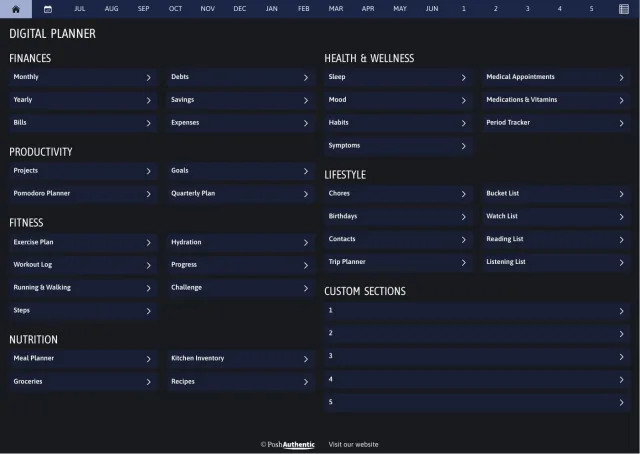
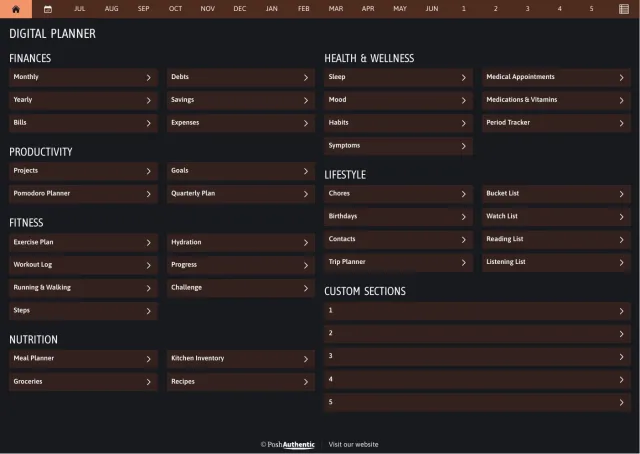
  • The planner’s dashboard page in the Blue dark mode colorway — tappable section rows under the month navigation bar.

    BlueDark mode

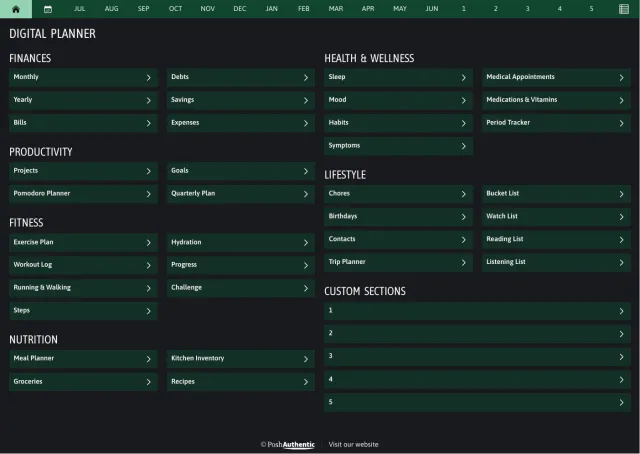
  • The planner’s dashboard page in the Green dark mode colorway — tappable section rows under the month navigation bar.

    GreenDark mode

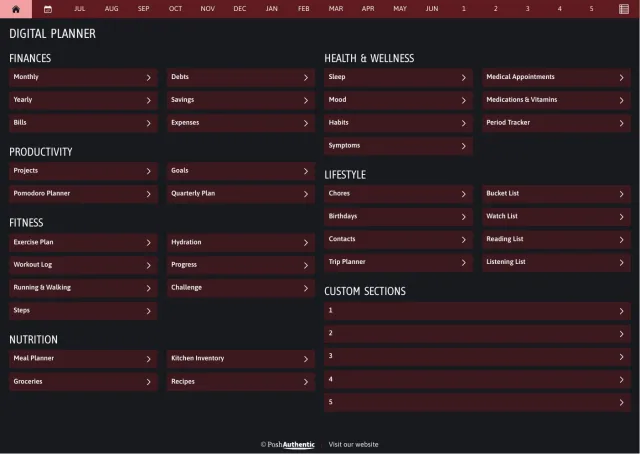
  • The planner’s dashboard page in the Orange dark mode colorway — tappable section rows under the month navigation bar.

    OrangeDark mode

  • The planner’s dashboard page in the Red dark mode colorway — tappable section rows under the month navigation bar.

    RedDark mode

6 colorways, 4 of them with a dark mode as well. Shown landscape A4; every cut ships the same ones.

Shop Standard

Abundant Brilliance

Magenta, violet, orange and yellow.
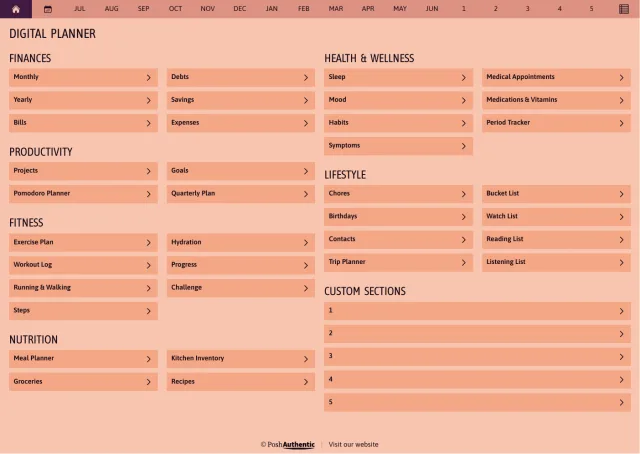
  • The planner’s dashboard page in the Abundant Brilliance colorway — tappable section rows under the month navigation bar.

    Abundant BrillianceViolet and orange
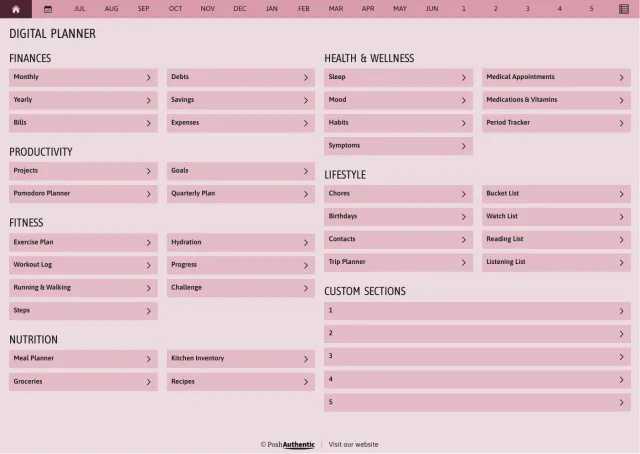
  • The planner’s dashboard page in the Magenta colorway — tappable section rows under the month navigation bar.

    Magenta

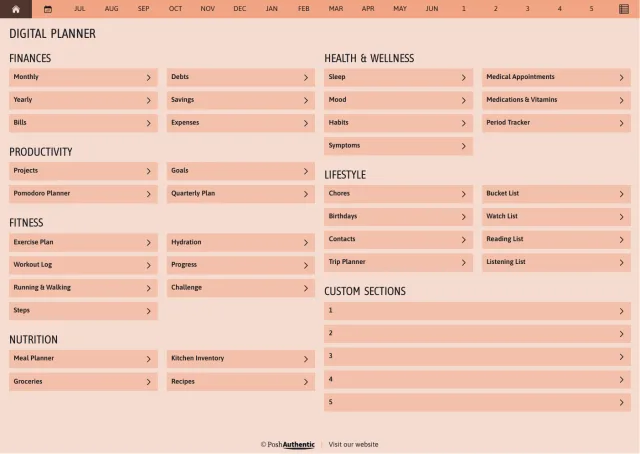
  • The planner’s dashboard page in the Orange colorway — tappable section rows under the month navigation bar.

    Orange

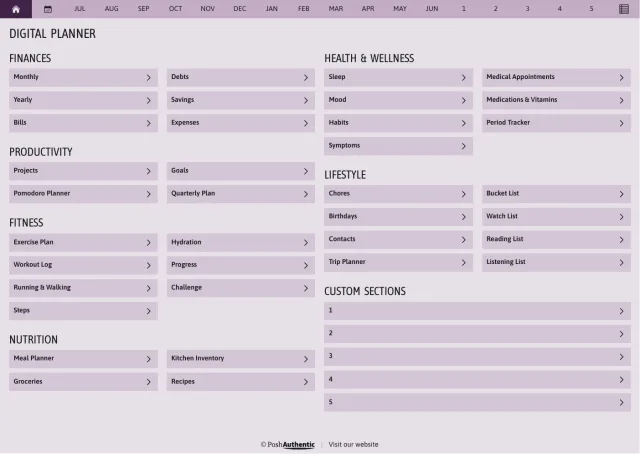
  • The planner’s dashboard page in the Violet colorway — tappable section rows under the month navigation bar.

    Violet

  • The planner’s dashboard page in the Yellow colorway — tappable section rows under the month navigation bar.

    Yellow

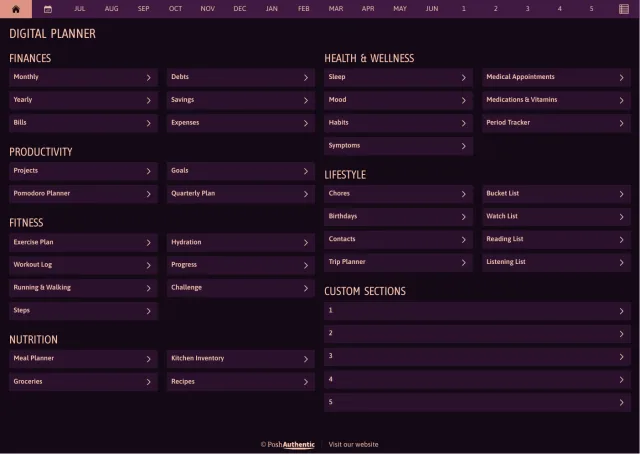
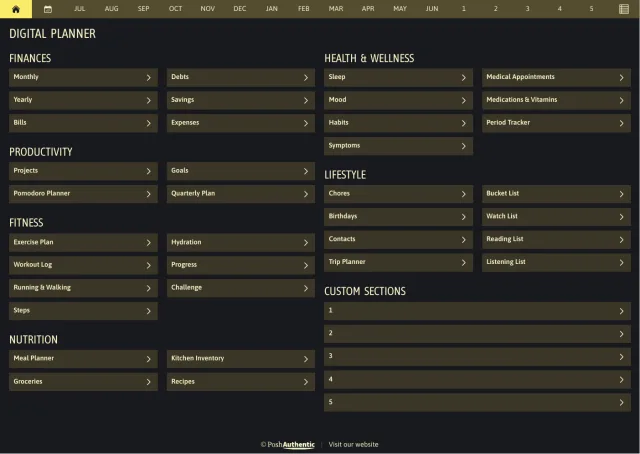
  • The planner’s dashboard page in the Abundant Brilliance dark mode colorway — tappable section rows under the month navigation bar.

    Abundant BrillianceDark mode

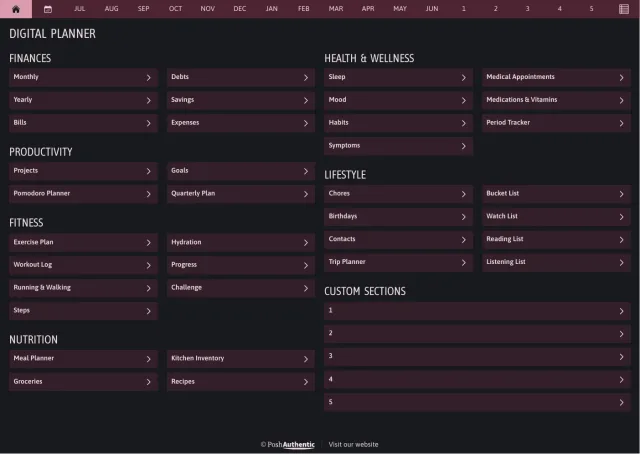
  • The planner’s dashboard page in the Magenta dark mode colorway — tappable section rows under the month navigation bar.

    MagentaDark mode

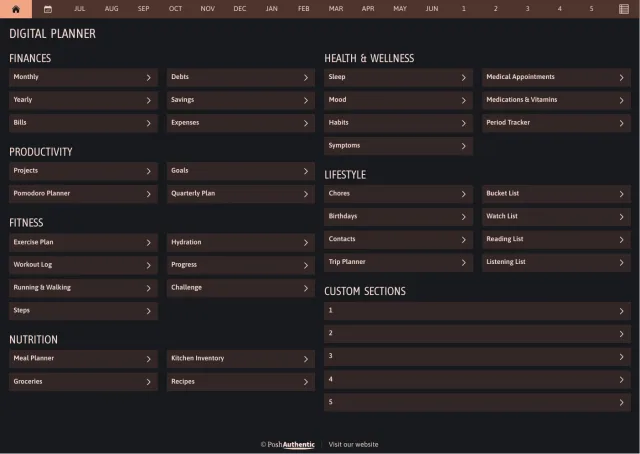
  • The planner’s dashboard page in the Orange dark mode colorway — tappable section rows under the month navigation bar.

    OrangeDark mode

  • The planner’s dashboard page in the Violet dark mode colorway — tappable section rows under the month navigation bar.

    VioletDark mode

  • The planner’s dashboard page in the Yellow dark mode colorway — tappable section rows under the month navigation bar.

    YellowDark mode

5 colorways, each with a dark mode as well. Shown landscape A4; every cut ships the same ones.

Shop Abundant Brilliance

Still to comeSoft Delight · Summer Breeze · Telluric Awe · Heavy Wonder · Jolt Electric

03 · What we make

Take a theme on its own, or as a set

Digital Planners
Dated weeks, monthly overviews, tabs that take you anywhere in a tap
Bundles
A theme with everything that matches it, together
Sticker Sets
Reusable, and no neon in sight
Digital Note Templates
Note pages for everything that isn’t a date
Covers
So opening it feels like yours

New themes arrive through the year, so there’s usually a fresh one waiting when it’s time to start again.

Everything we makeSee everything on Etsy

04 · New to this

It takes about ten minutes

A digital planner is a PDF that lives inside a note-taking app on your tablet. It sounds fiddly and takes about ten minutes.

Our guides walk through it with screenshots — where your download went, which app to use, and how to get around once it opens.

Everything is designed and tested in-house. If something isn’t sitting right on your iPad, message us and we’ll help you sort it out.

About PoshAuthenticSupport